Your applications and dashboard
Sort, search and change statuses in the Applications list, act on several at once, and see your search at a glance.
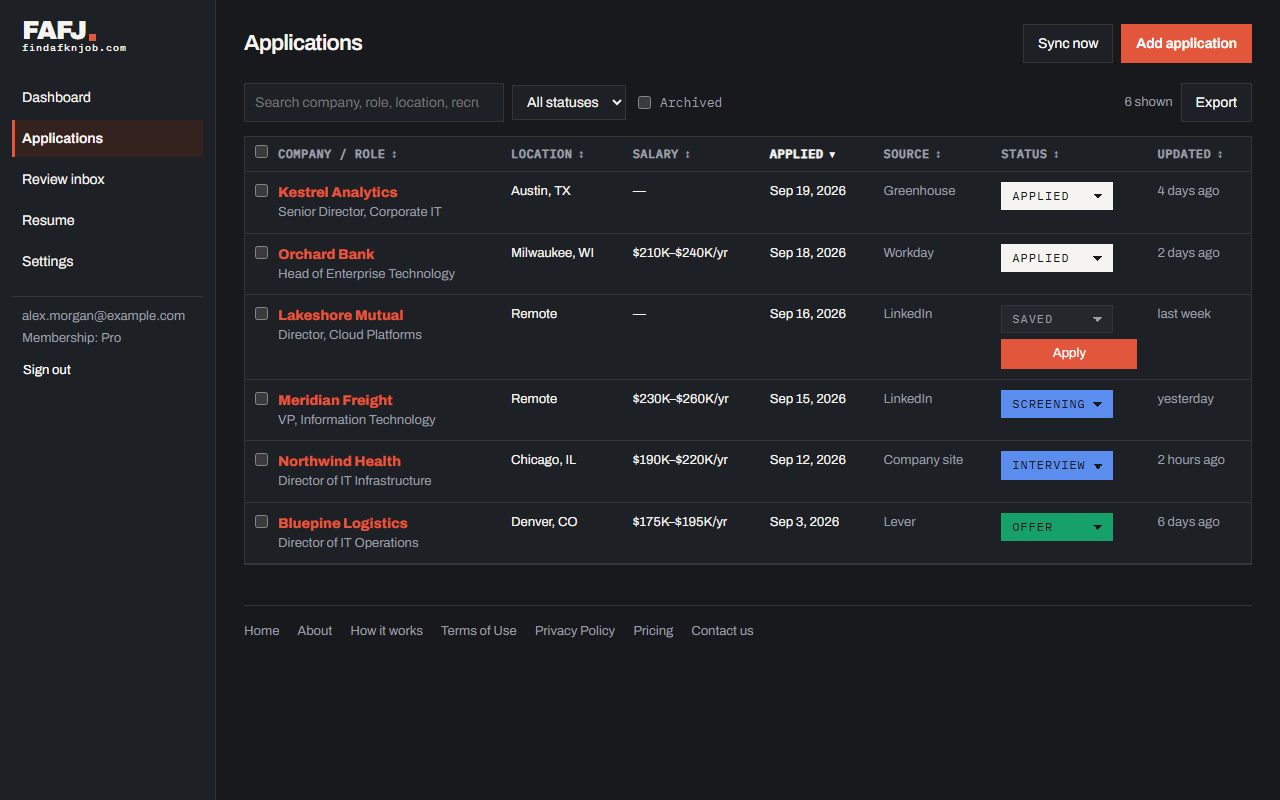
See every application in one place
FAFJ opens on Applications: everything you’ve saved or applied to, with its location, pay, the date you applied (the earliest date we have for the job), where you found it, its status and when it last changed. Click any column heading to sort by it, and again to reverse it; on a phone, use the Sort menu. Change a status right from the list, search by company, role or recruiter, and tick rows to archive or delete several at once. A job you saved but have not applied to has an Apply button under its status. On Pro, Sync now checks your mail and calendar right away instead of waiting for the next check.
Watch your search at a glance
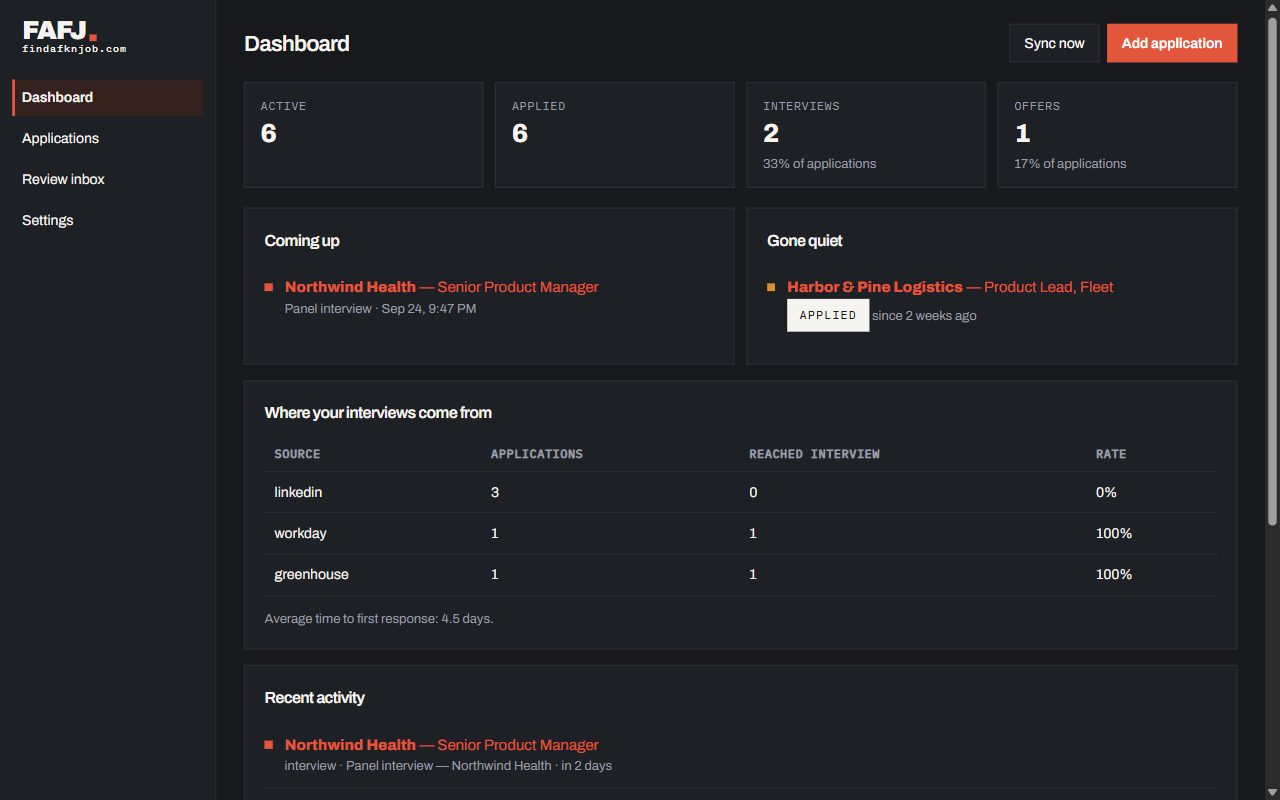
The dashboard shows how many applications are active, how many reached an interview or offer, what’s coming up, what has gone quiet, and which job sites actually lead to interviews.